The sign on the wall, before it's made.
AdHelper is a white-label app that carries the company's own brand and extends an existing website. It designs signage with AI, shows it on the real storefront in AR at true size, and keeps ordering, production tracking, installation and permit paperwork within easy reach.
A sign described. A sign designed.
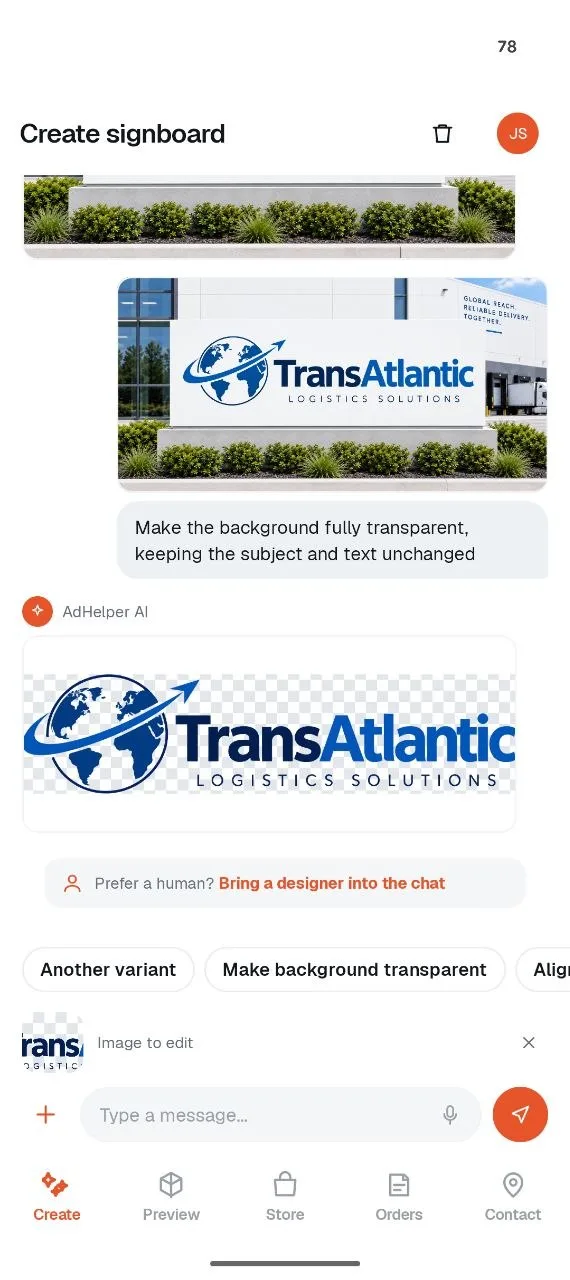
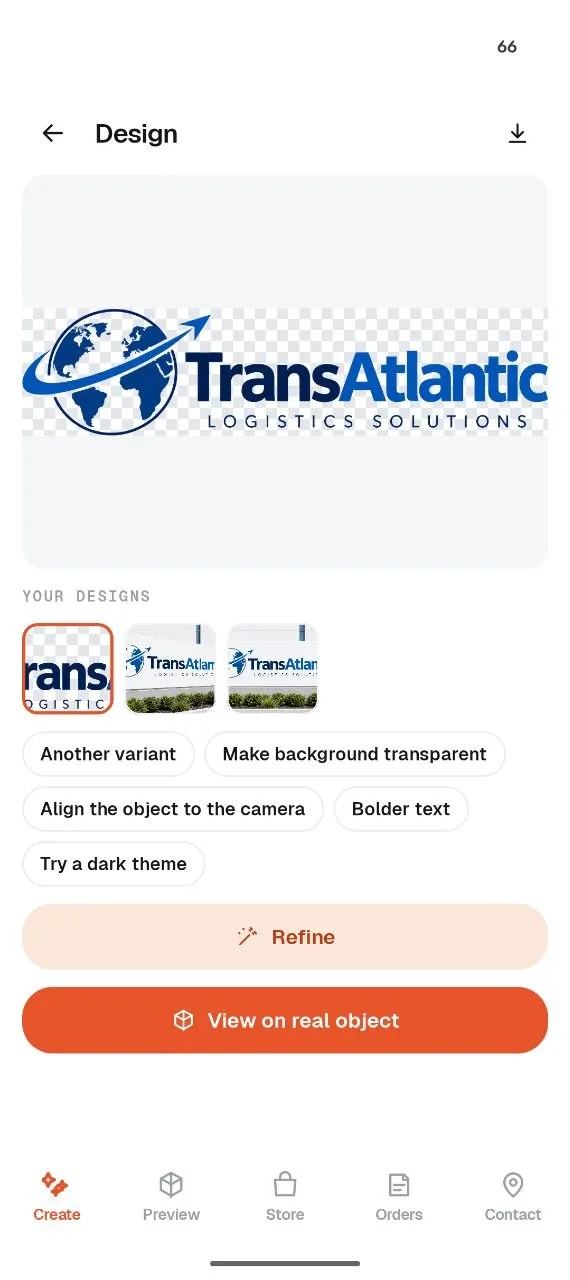
A plain-language brief, refined in conversation.
- Refine in conversation. "Bolder text." "Try a dark theme." "Make the background transparent." It just does it.
- Edits to existing images. A photo or logo goes in; only the requested parts change.
- A human designer on request. One of the team can join the same chat at any point.
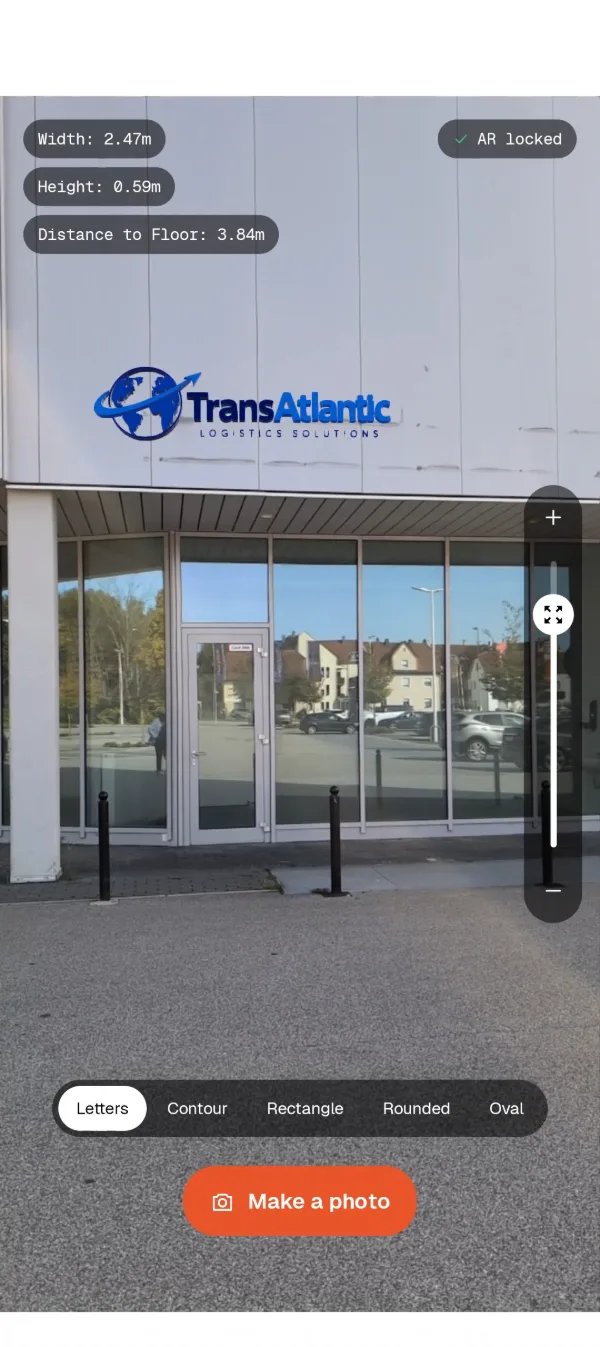
See it at true size, on the real wall or floor.
A render on a screen says nothing about whether a sign is too big for a facade. Pointing the phone at the spot answers it in seconds.
- Measured, not guessed. Every capture records the real width and height.
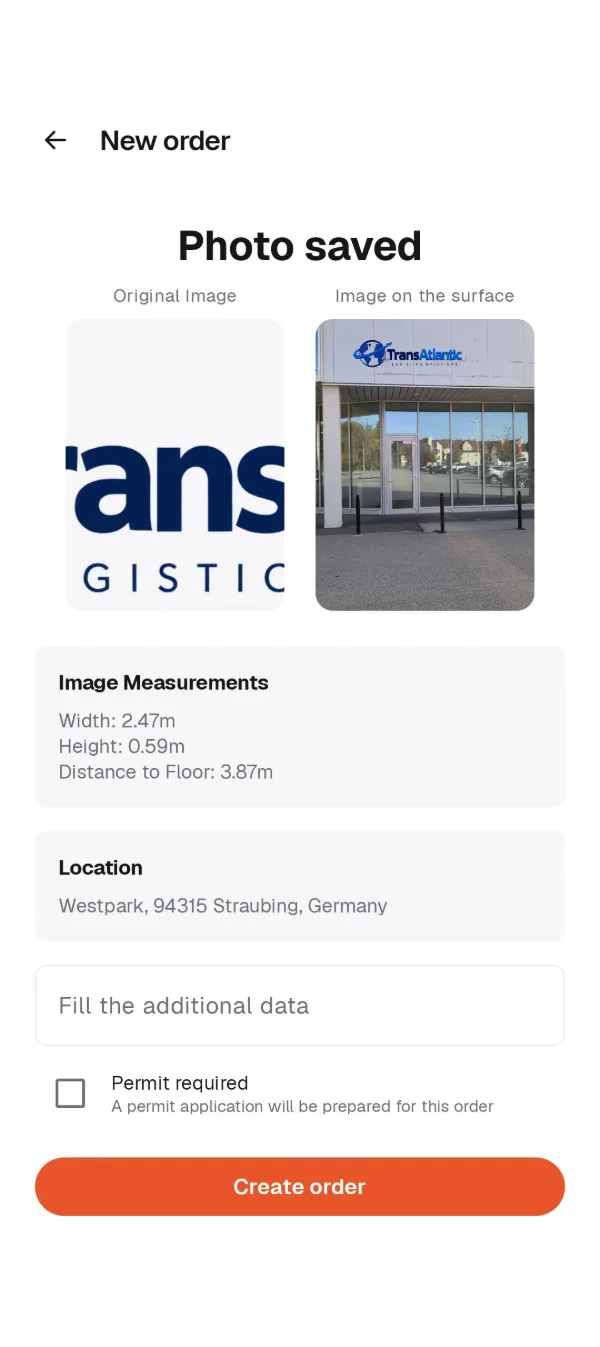
- The photo becomes the order. Size, location and site photo carry straight into production and the permit form.
- Shareable before commitment. The AR photo can go to a landlord, a partner or the council.
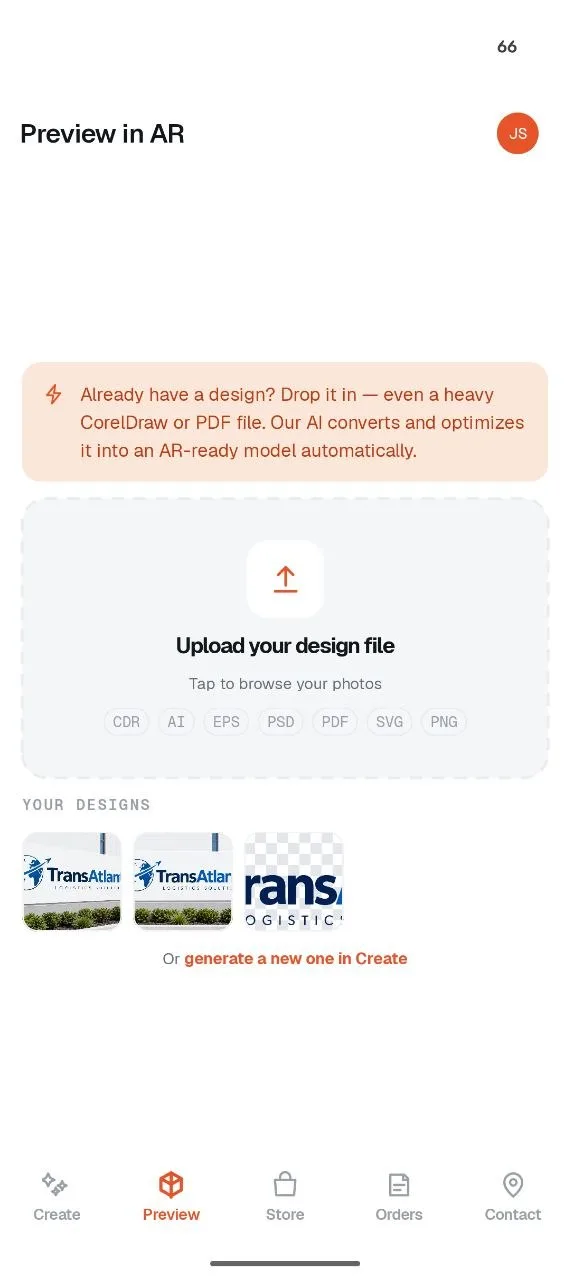
Design files were never built for AR.
A 42 MB CorelDraw or Photoshop file won't open on a phone, let alone stand up on a wall. AdHelper converts and optimises existing files — vectors, layered PSDs, print PDFs — into an AR-ready file automatically.
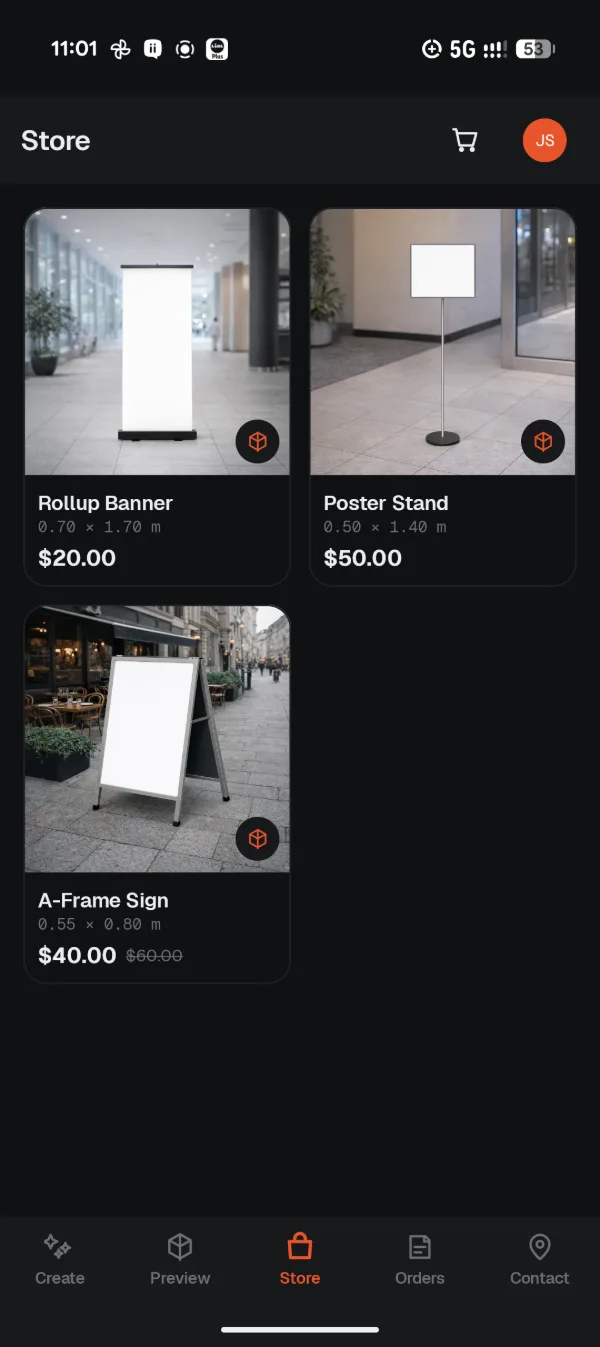
Or start from something ready-made.
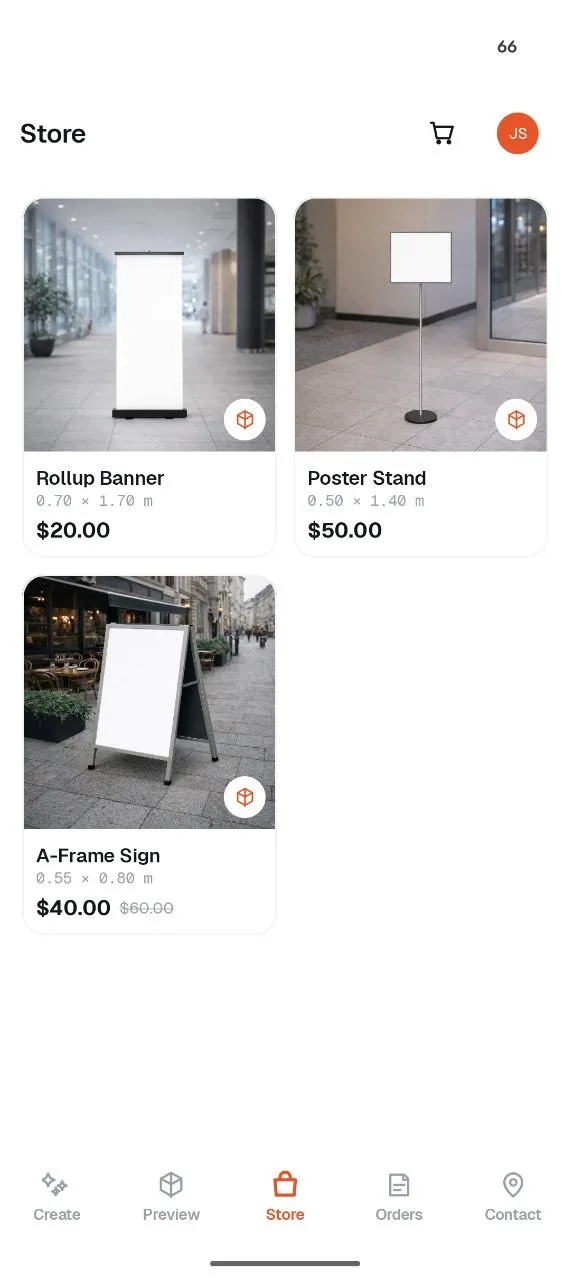
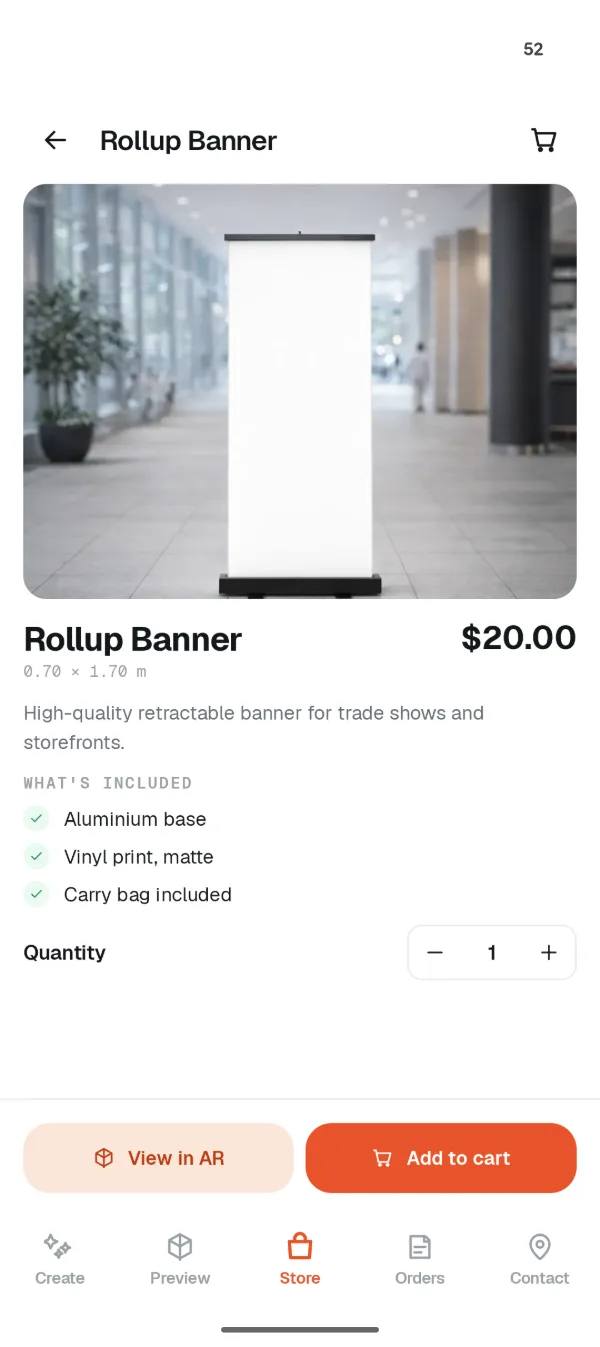
A catalogue of ready-made products, each with its real dimensions and price. Any of them can be tried on the actual floor in AR before it goes in the cart.
- Sized honestly. Every product lists the actual printed area, so nothing arrives smaller than expected.
- Installation or pickup. Order delivery or collect from the nearest office.
- Address already filled. Checkout reuses device location.
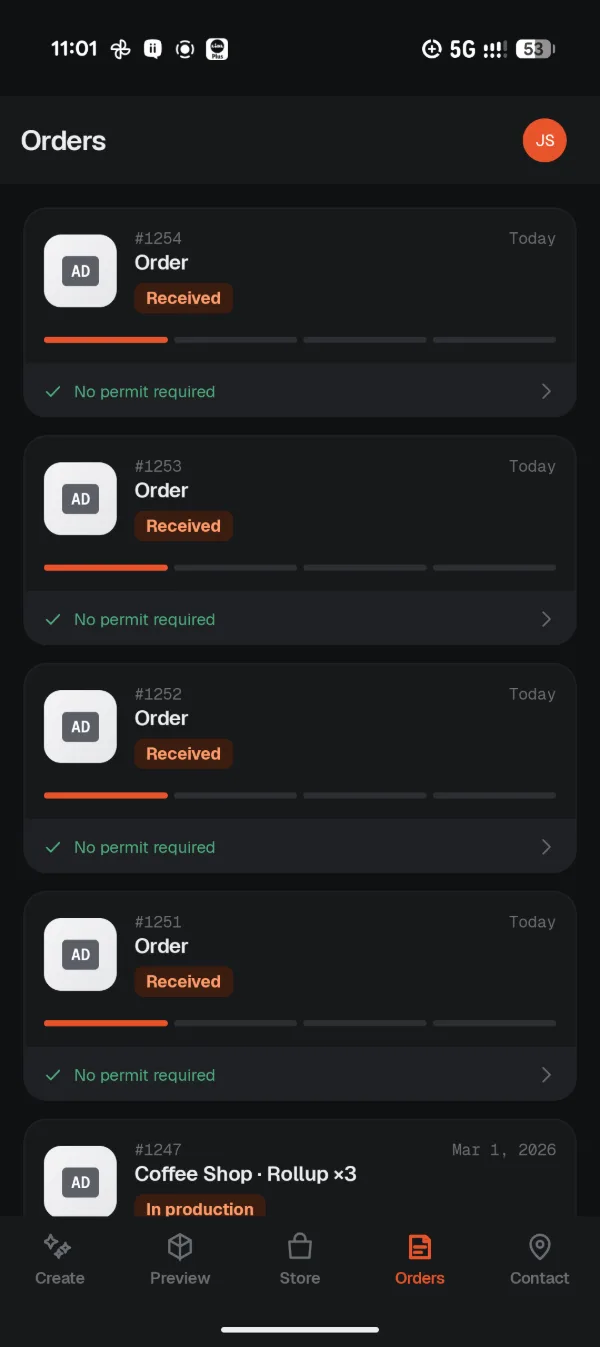
Watch it get made.
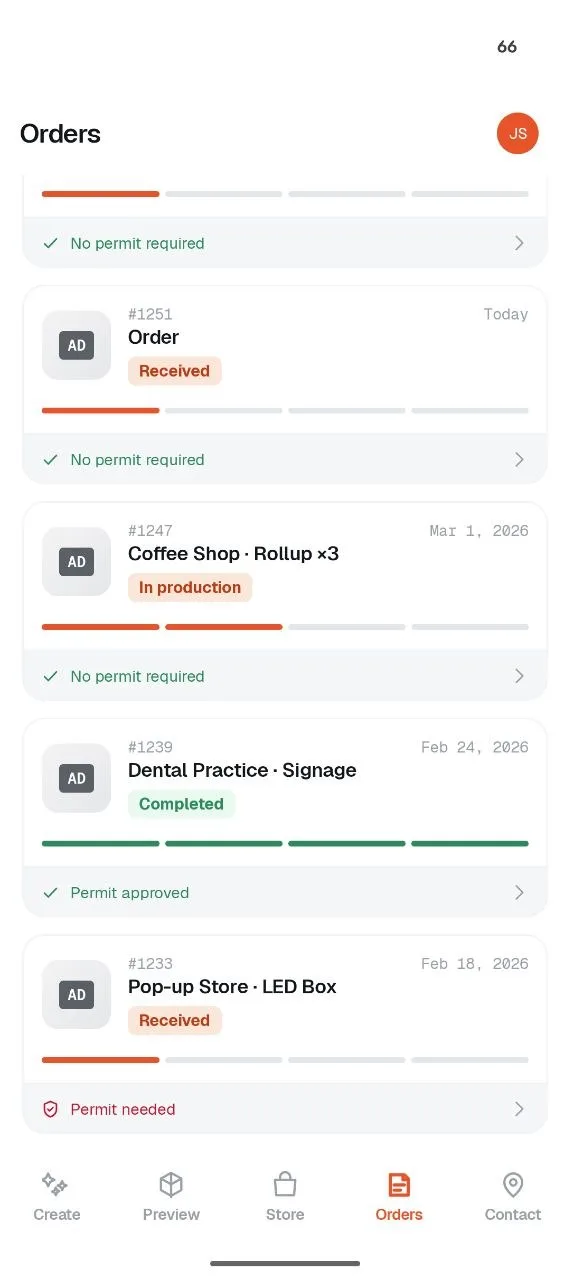
Every order shows exactly where it stands, with the installation photo at the end.
- Dated milestones. Real dates for what's done and honest ETAs for what isn't.
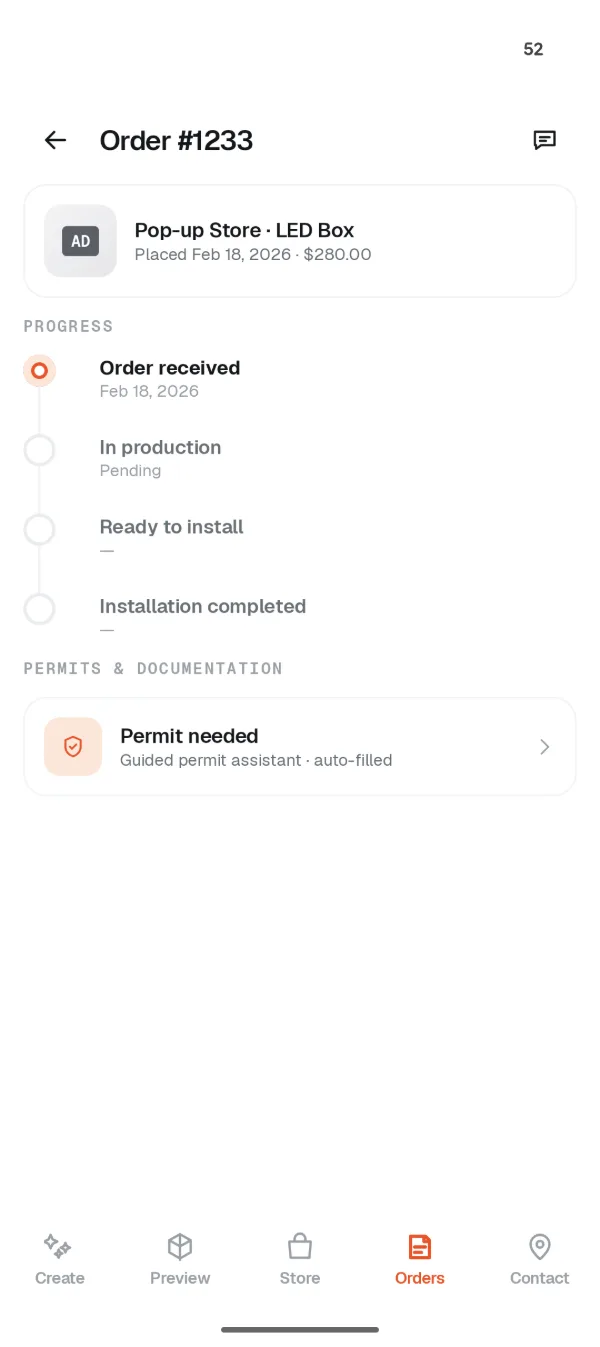
- Permit status on the card. Each order shows at a glance whether it needs paperwork, needs action, or is cleared.
- Talk to someone in the order. Support chat opens on the job it's about, with all the context already there.
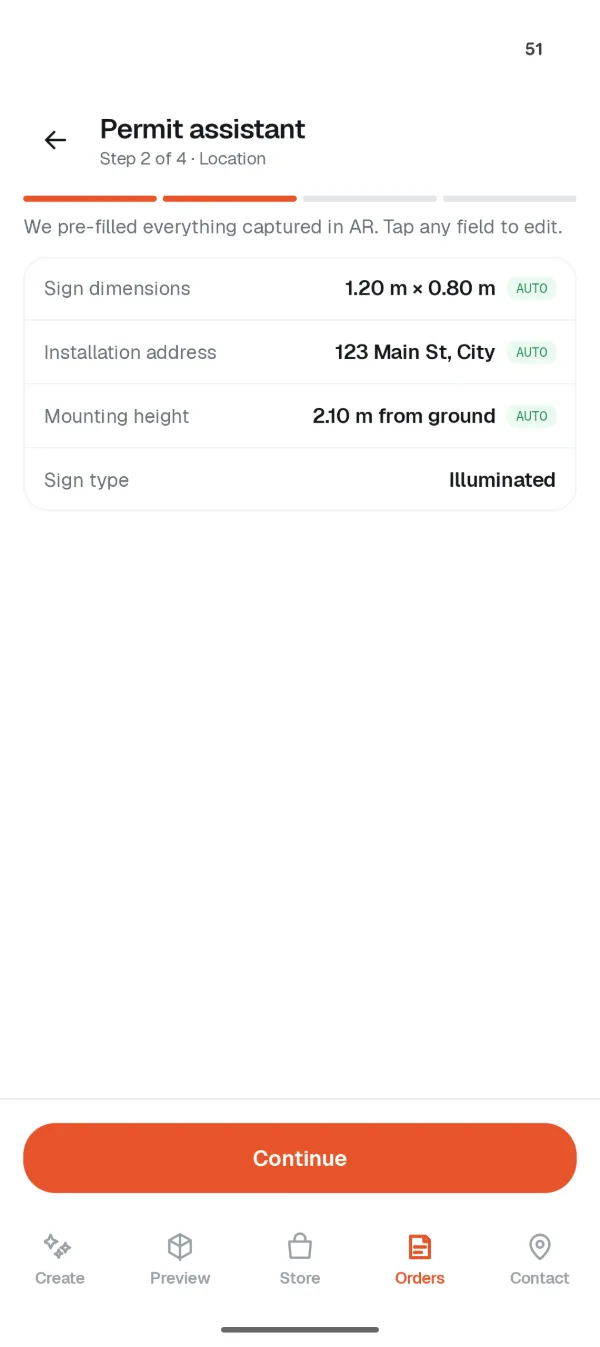
The paperwork, pre-filled.
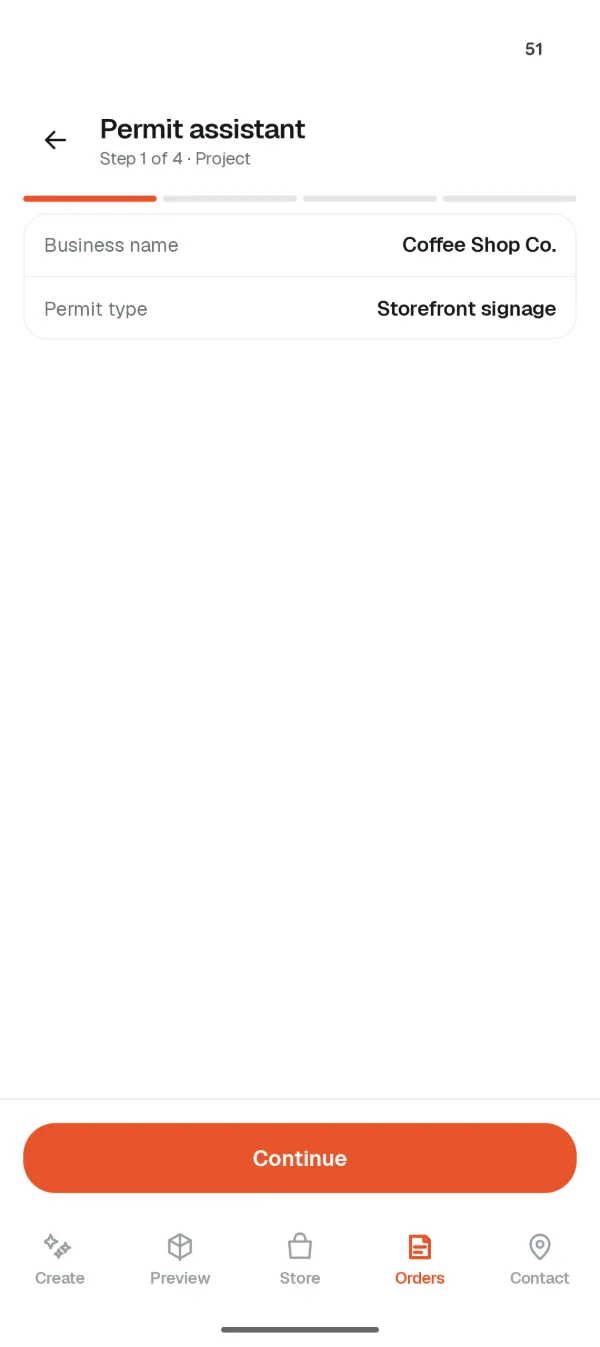
Signage permits ask for the things AdHelper already knows: dimensions, mounting height, installation address, a site photo, a rendering. The assistant fills them in for a final check.
- Four guided steps. Project, location, documents, review — then submit it to the local authority.
- Or skip it entirely. Orders that don't need a permit say so, and never mention it again.
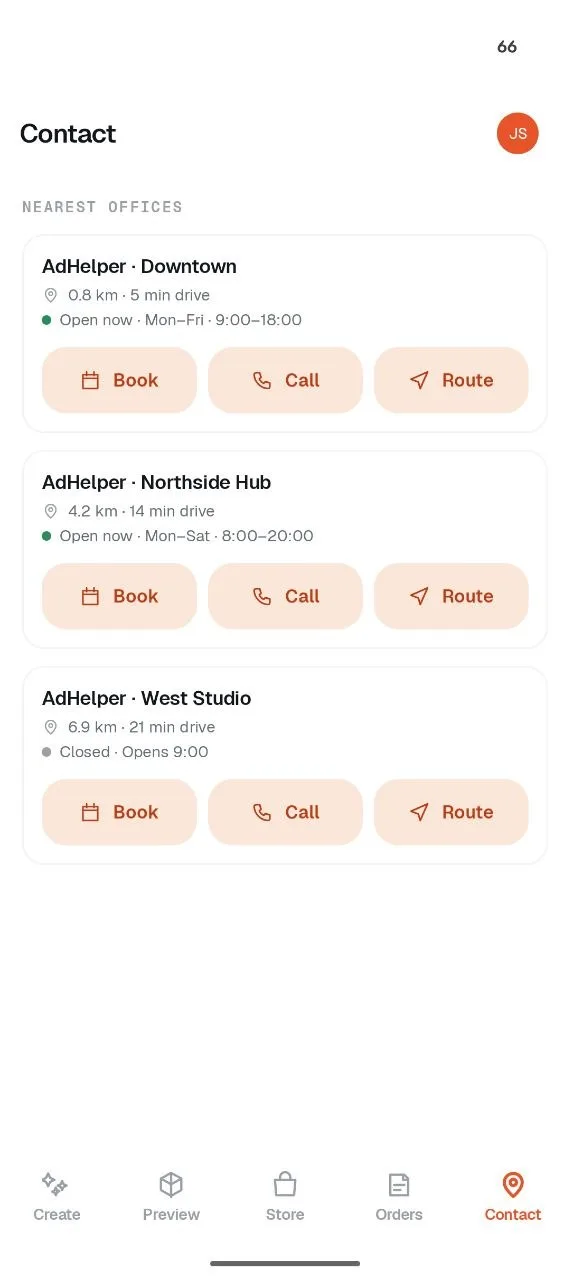
A real workshop, close by.
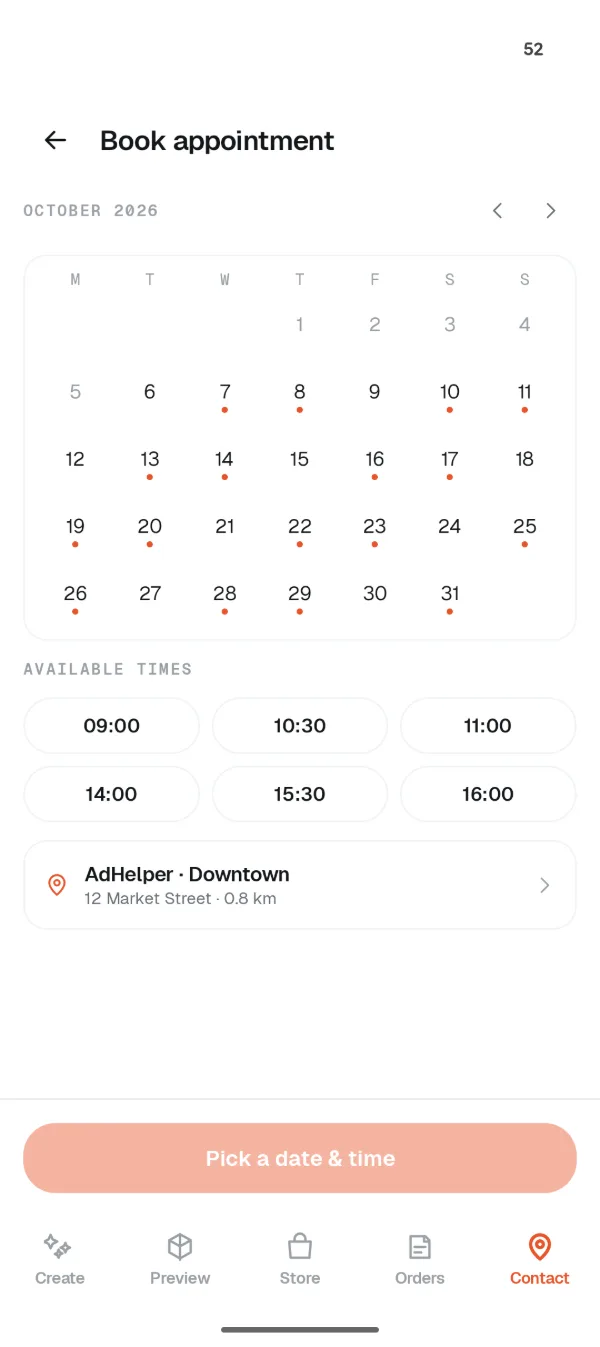
- Book a visit. Pick a date and time from live availability.
- Get directions. Turn-by-turn routing to the branch that's actually open, with drive time and traffic.
- Call the branch. Straight through to the workshop handling the job — not a general queue.
Dark mode, built in.
AdHelper follows the phone's system theme, so it's easy on the eyes on a late job or in a dim shop.